Private macOS menu bar monitor
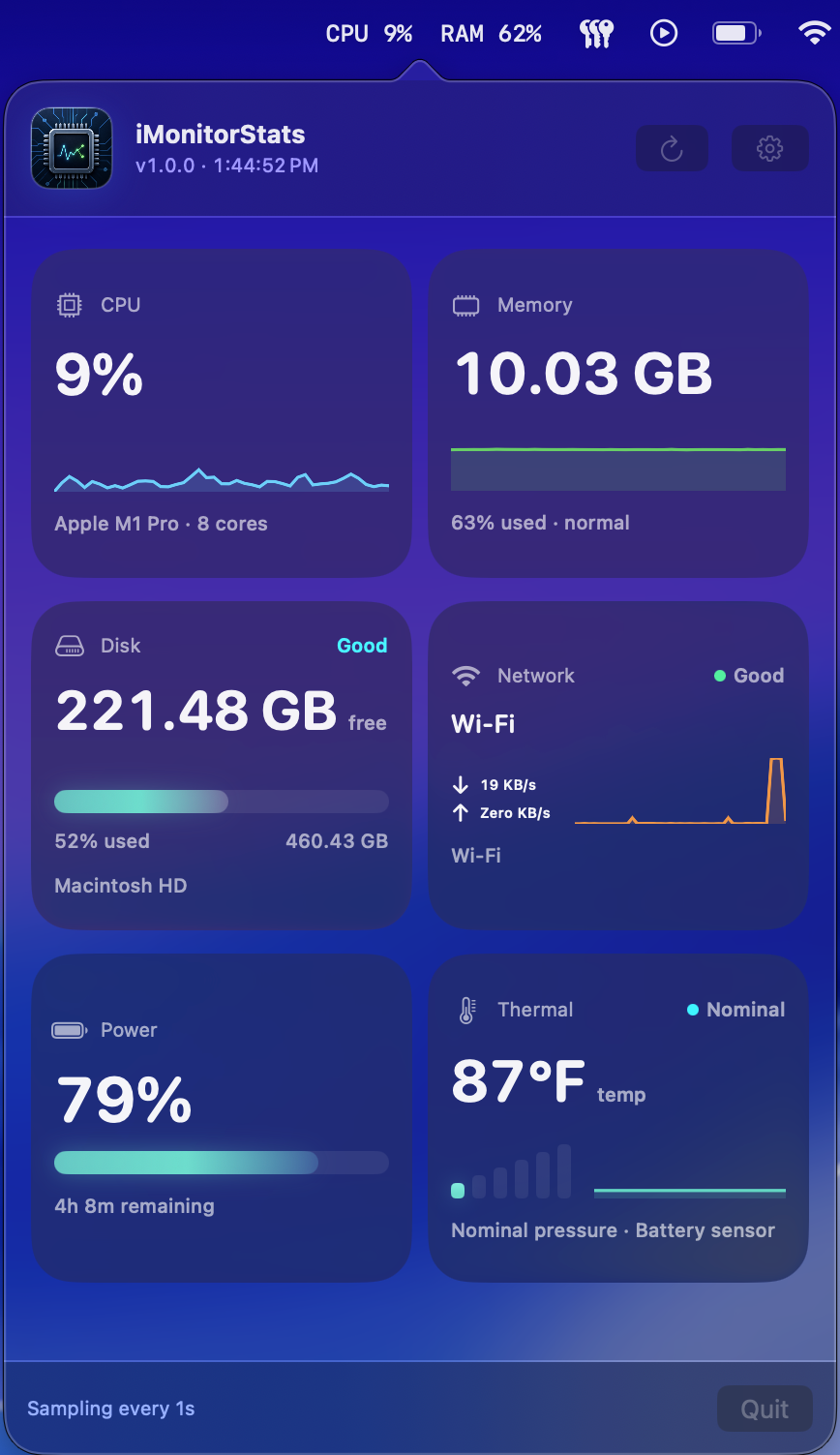
iMonitorStats turns your Mac status into instant clarity.
CPU spikes, memory pressure, disk space, network traffic, battery health, and thermal state stay one click away in a polished native popover.
Local telemetry
Native macOS
No tracking SDKs
Real app screens
Every module gets its own useful view.
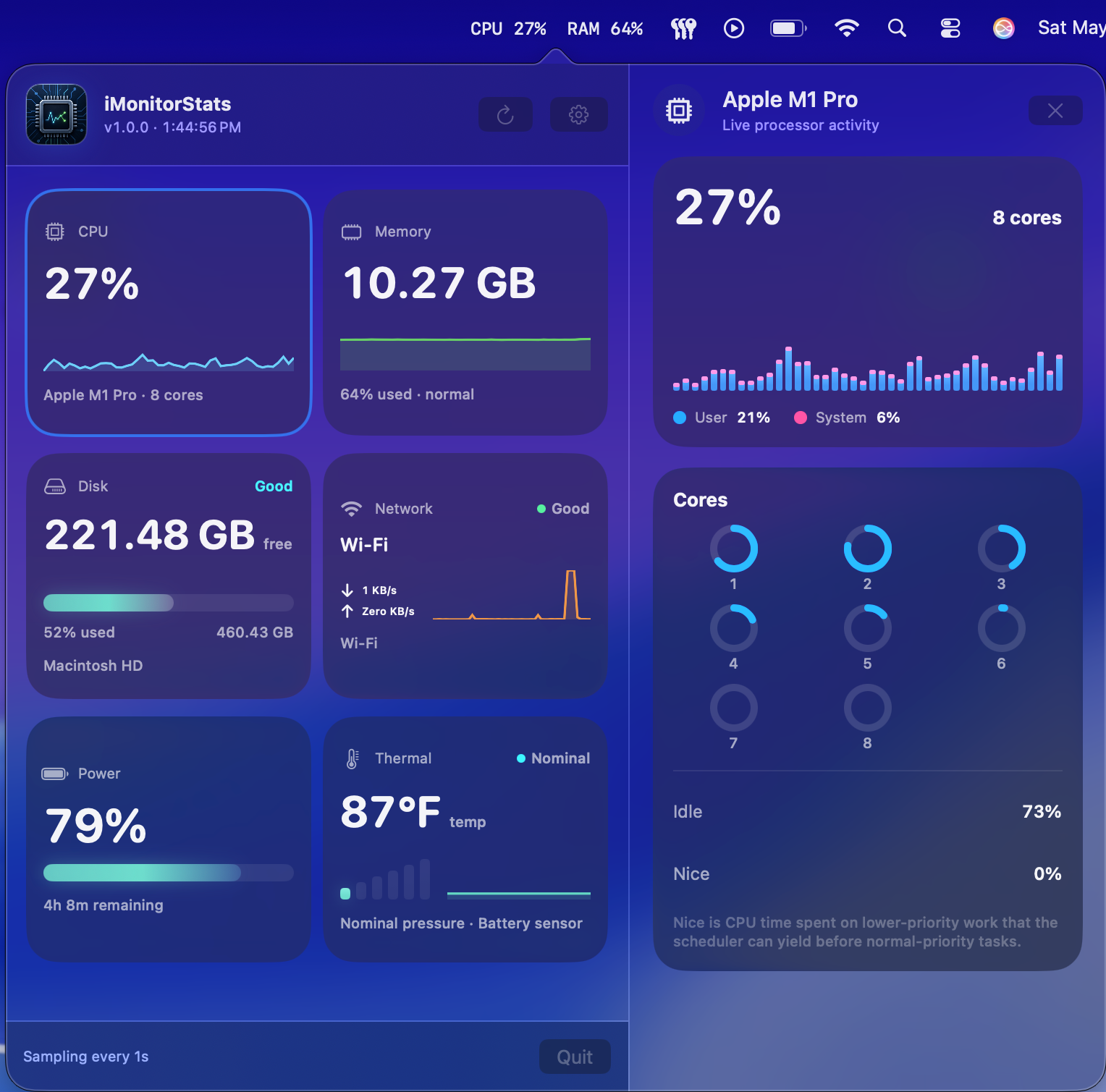
CPU
Live processor activity, per-core context, and recent load.
Useful when fans spin up, builds slow down, or a background task starts taking more than its share.
Privacy by default
A system monitor should not become another system watching you.
iMonitorStats reads system telemetry locally on your Mac. It does not need an account, analytics feed, ad network, or cloud dashboard to tell you what is happening on the machine in front of you.
No tracking SDKs
No advertising profile
No off-device telemetry
No location request
Available for macOS
Bring a cleaner system readout to your menu bar.